
$15
Buy A License
Buy A License
Buy A License
Add to Framer
Add to Framer
Add to Framer
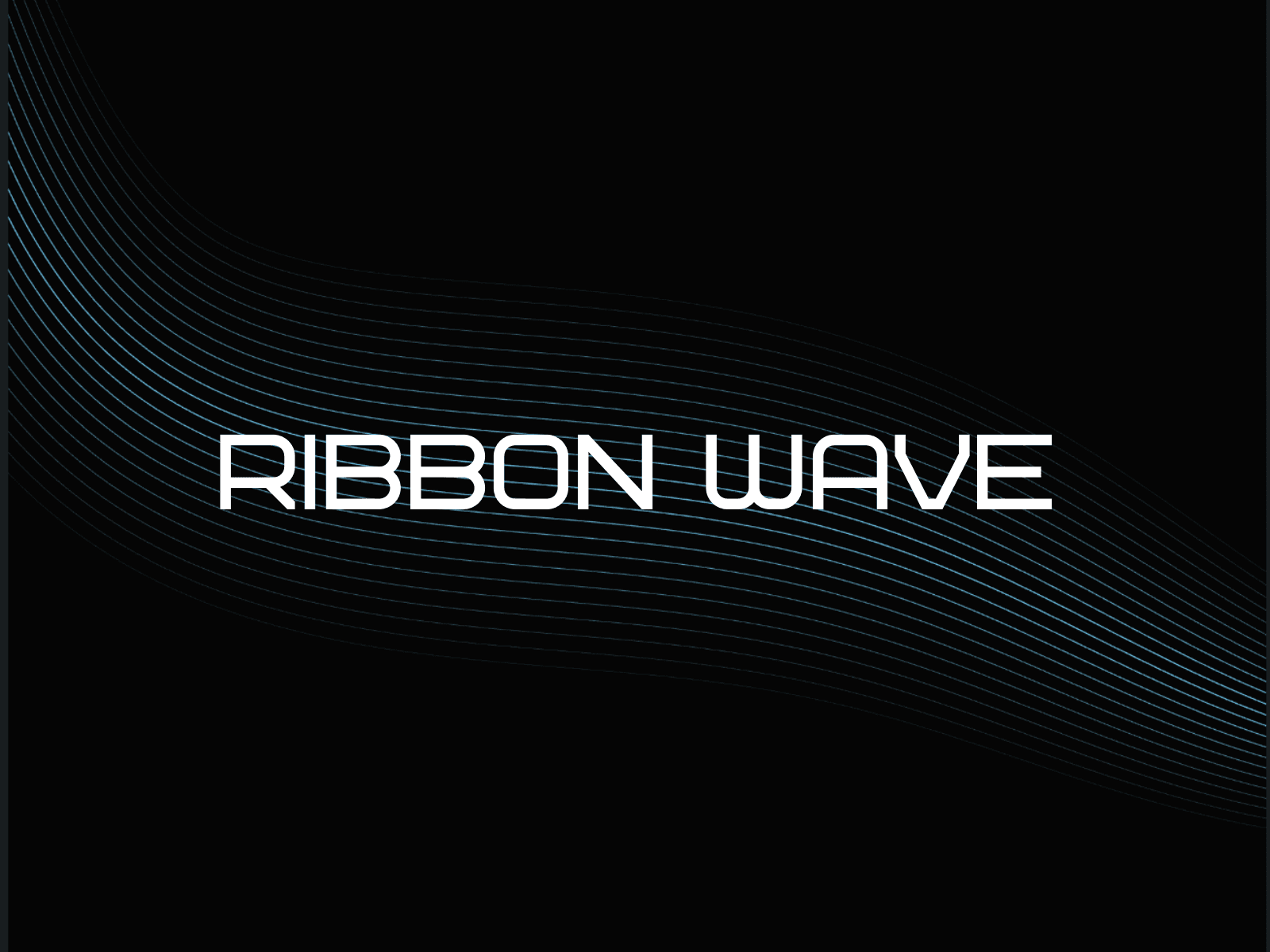
Ribbon Wave makes it simple to add a flowing ribbon or ring-orb animation to any Framer page. Pick Ribbon or Ring mode, fine-tune line count, taper, amplitude, padding, and colors with live preview, then insert the latest RibbonWave component in one click.
Mode
Ribbon: Flowing bands that read like a wave field.
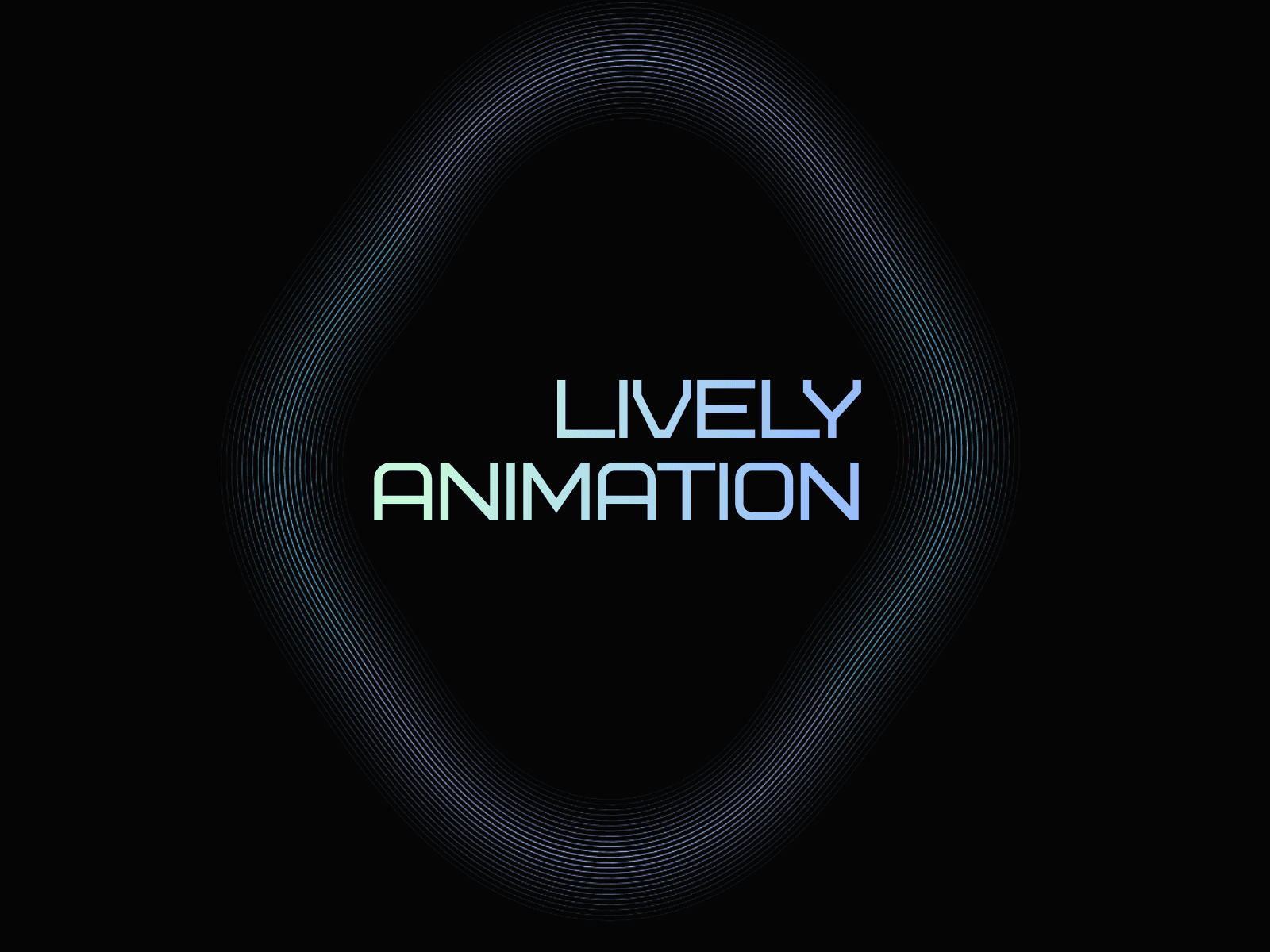
Ring: A circular “orb” loop that uses the same styling system but with a ring-based motion profile.
Switching modes keeps your current styling controls so you can compare looks quickly.
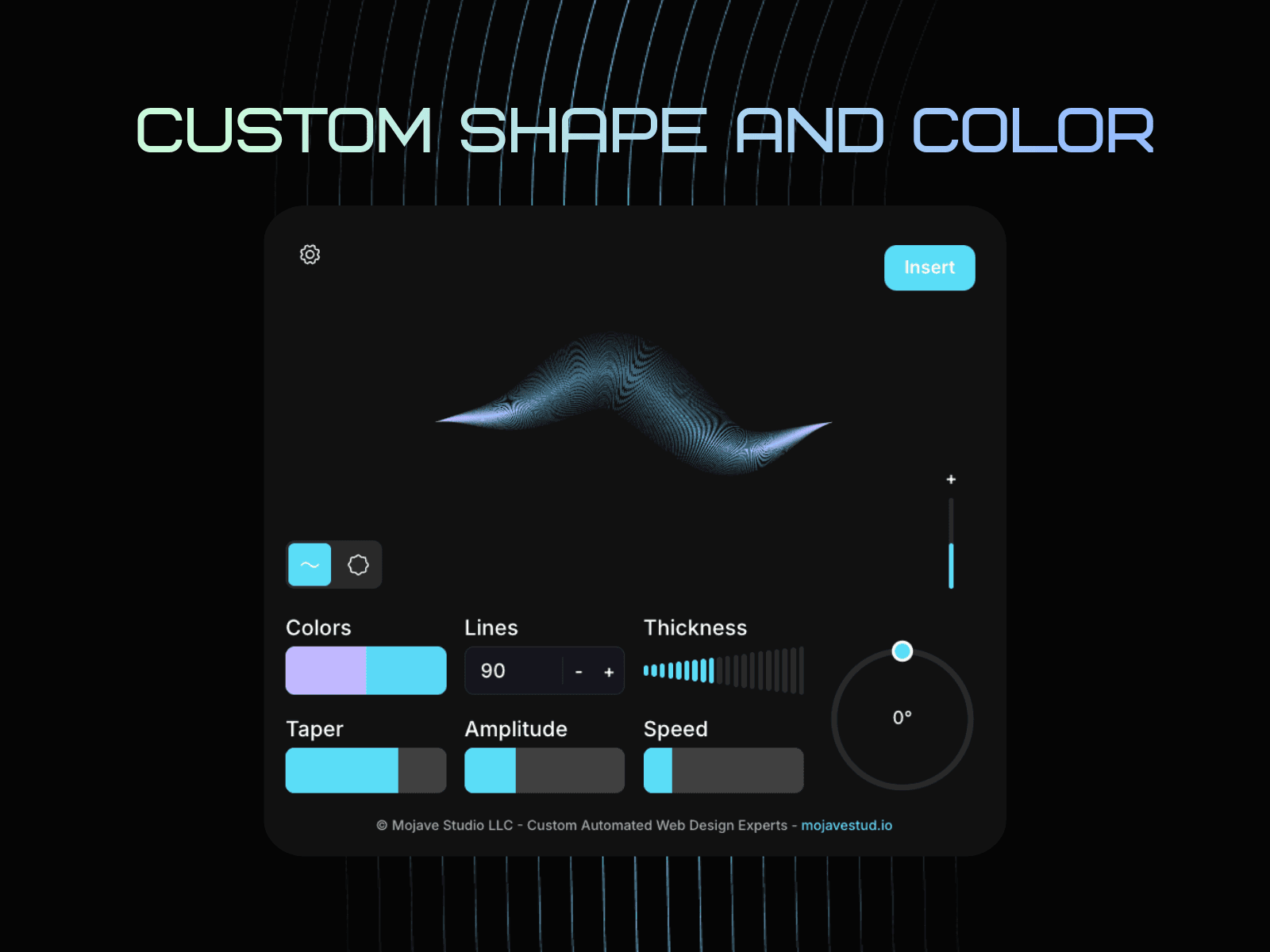
Shape & Motion Controls
Line Count: More lines = denser, smoother ribbon/ring presence.
Taper / Thickness: Shapes how bands thin out across their length (controls the “ribbon” feel).
Amplitude: Sets wave height/intensity (higher = more dramatic motion).
Padding (+): Insets the animation inside the frame.
Increasing the value pulls the animation inward.
Negative values allow overshoot beyond the frame for a “bleed” effect.
Colors
Two-phase gradient color: Ribbon Wave blends Color A and Color B together to generate a two-phase look across the ribbons/ring (you’ll see both colors present, with smooth transitions between them).
Transparent insertion: The inserted RibbonWave component is designed to sit cleanly on top of other layers. If you want a different backdrop, set the background on the parent frame/stack in Framer (or place a rectangle behind it) to control the final background color without changing the animation itself.
Mode
Ribbon: Flowing bands that read like a wave field.
Ring: A circular “orb” loop that uses the same styling system but with a ring-based motion profile.
Switching modes keeps your current styling controls so you can compare looks quickly.
Shape & Motion Controls
Line Count: More lines = denser, smoother ribbon/ring presence.
Taper / Thickness: Shapes how bands thin out across their length (controls the “ribbon” feel).
Amplitude: Sets wave height/intensity (higher = more dramatic motion).
Padding (+): Insets the animation inside the frame.
Increasing the value pulls the animation inward.
Negative values allow overshoot beyond the frame for a “bleed” effect.
Colors
Two-phase gradient color: Ribbon Wave blends Color A and Color B together to generate a two-phase look across the ribbons/ring (you’ll see both colors present, with smooth transitions between them).
Transparent insertion: The inserted RibbonWave component is designed to sit cleanly on top of other layers. If you want a different backdrop, set the background on the parent frame/stack in Framer (or place a rectangle behind it) to control the final background color without changing the animation itself.
Copyright Mojave Studio 2025 – mojavestud.io
Built with ❤️ for the Framer design community
