¥2,365
ライセンスを購入
ライセンスを購入
ライセンスを購入
Framerに追加
Framerに追加
Framerに追加
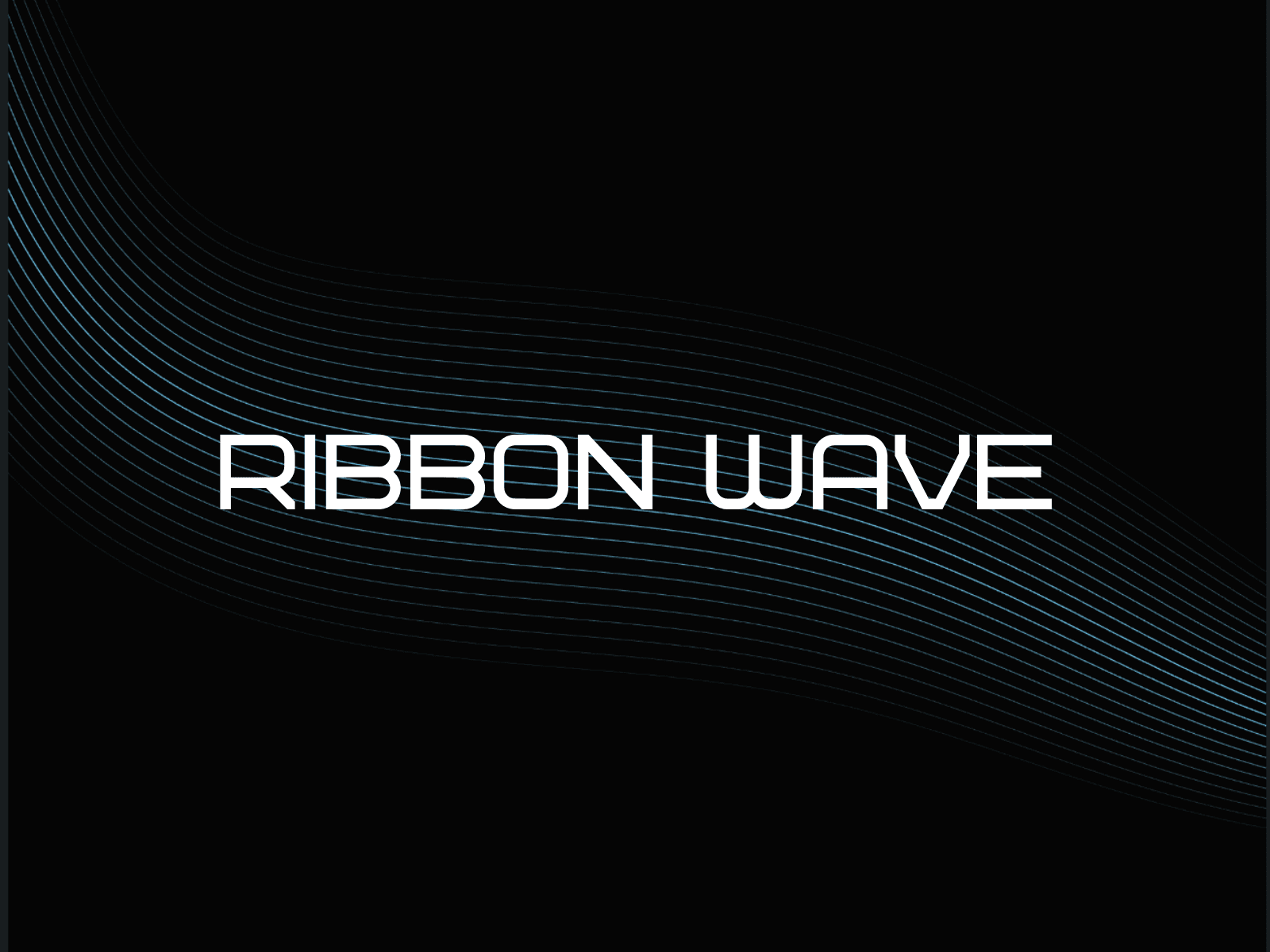
Ribbon Waveを使用すると、Framerのページに流れるリボンやリングオーブのアニメーションを簡単に追加できます。リボンモードまたはリングモードを選択し、ライン数、テーパー、振幅、パディング、色をライブプレビューで微調整して、最新のRibbonWaveコンポーネントをワンクリックで挿入できます。
モード
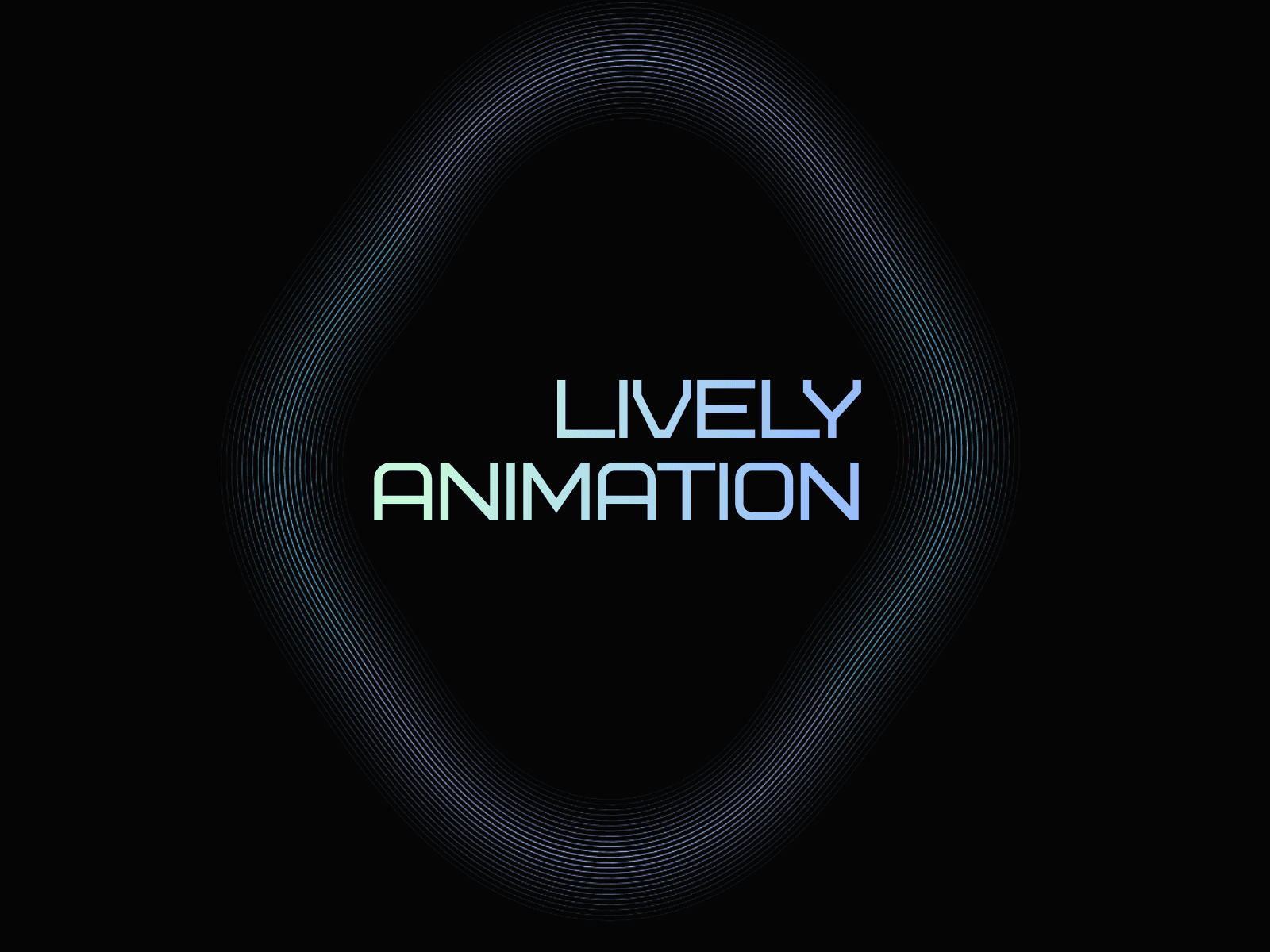
リボン: 波のように見える流れるようなバンド。
リング: 同じスタイリングシステムを使用していますが、リングベースのモーションプロファイルを持つ円形の「オーブ」ループ。
モードを切り替えても現在のスタイリング設定が保持されるため、見た目をすばやく比較できます。
形状とモーションコントロール
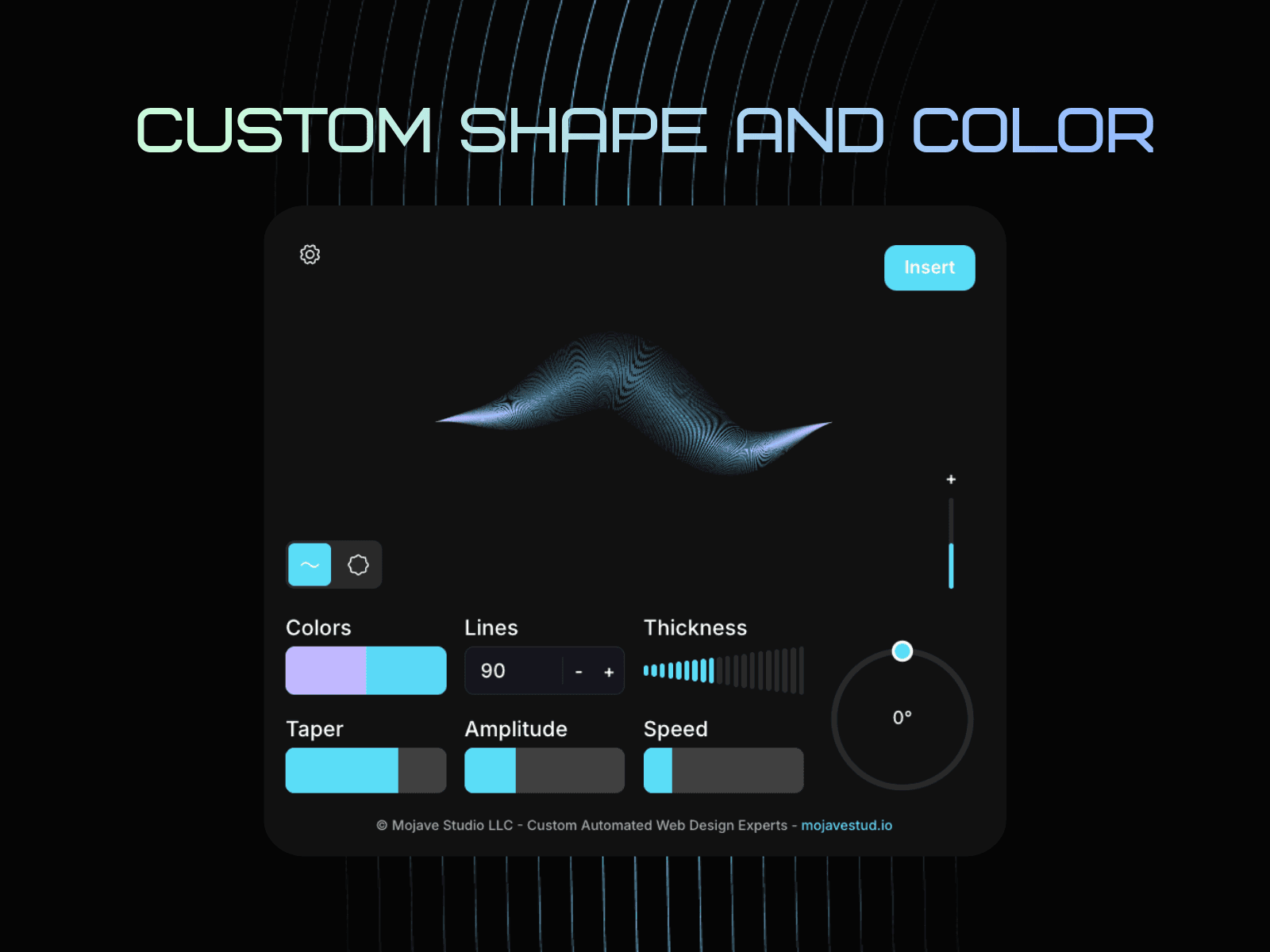
ライン数: ラインが多いほど、より密でスムーズなリボン/リングの存在感が得られます。
テーパー / 厚さ: バンドがその長さに沿ってどのように薄くなるかを形づくります(「リボン」の感じを制御します)。
振幅: 波の高さ/強度を設定します(高いほどダイナミックな動きになります)。
パディング (+): アニメーションをフレーム内にインセットします。
値を増やすとアニメーションが内側に引き寄せられます。
負の値は「ブリード」効果のためにフレームを越えてオーバーシュートを許可します。
色
ツーフェーズグラデーションカラー: リボンウェーブはカラーAとカラーBをブレンドし、リボン/リング全体にわたってツーフェーズの外観を生成します(両方の色が表示され、その間にスムーズな移行があります)。
透明な挿入: 挿入されたRibbonWaveコンポーネントは、他のレイヤーの上にきれいに配置されるように設計されています。異なる背景が必要な場合は、Framerの親フレーム/スタックの背景を設定する(またはその背後に長方形を配置する)ことで、アニメーション自体を変更することなく最終的な背景色を制御できます。
モード
リボン: 波のように見える流れるようなバンド。
リング: 同じスタイリングシステムを使用していますが、リングベースのモーションプロファイルを持つ円形の「オーブ」ループ。
モードを切り替えても現在のスタイリング設定が保持されるため、見た目をすばやく比較できます。
形状とモーションコントロール
ライン数: ラインが多いほど、より密でスムーズなリボン/リングの存在感が得られます。
テーパー / 厚さ: バンドがその長さに沿ってどのように薄くなるかを形づくります(「リボン」の感じを制御します)。
振幅: 波の高さ/強度を設定します(高いほどダイナミックな動きになります)。
パディング (+): アニメーションをフレーム内にインセットします。
値を増やすとアニメーションが内側に引き寄せられます。
負の値は「ブリード」効果のためにフレームを越えてオーバーシュートを許可します。
色
ツーフェーズグラデーションカラー: リボンウェーブはカラーAとカラーBをブレンドし、リボン/リング全体にわたってツーフェーズの外観を生成します(両方の色が表示され、その間にスムーズな移行があります)。
透明な挿入: 挿入されたRibbonWaveコンポーネントは、他のレイヤーの上にきれいに配置されるように設計されています。異なる背景が必要な場合は、Framerの親フレーム/スタックの背景を設定する(またはその背後に長方形を配置する)ことで、アニメーション自体を変更することなく最終的な背景色を制御できます。
